

Curade Mini features
Each module opens for the roles shown on its page, and every one reads the environment and the time window you pick.
Watch your environments
Dashboard
Widgets for each environment, pinned from the metrics on offer for problems, services, infrastructure and user experience, under one health score split between service and infrastructure health.
Read about Dashboard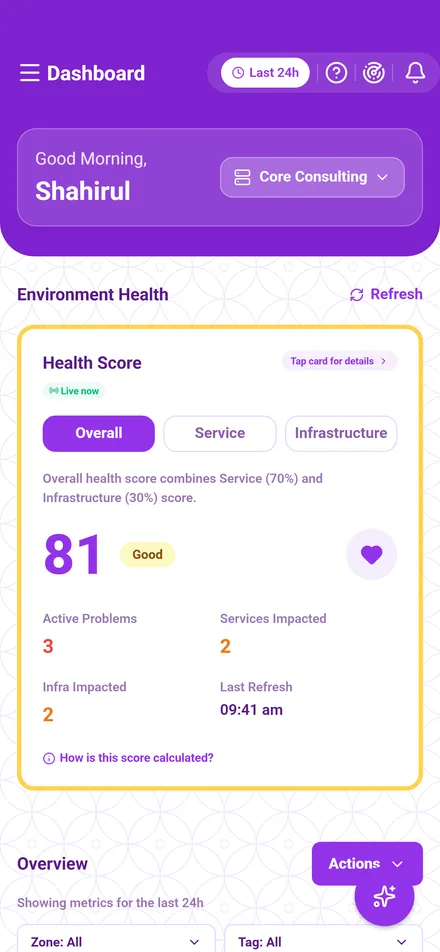

Problems
The open and resolved problems in your time window, with their severity, root cause, start time and the items they affect.
Read about Problems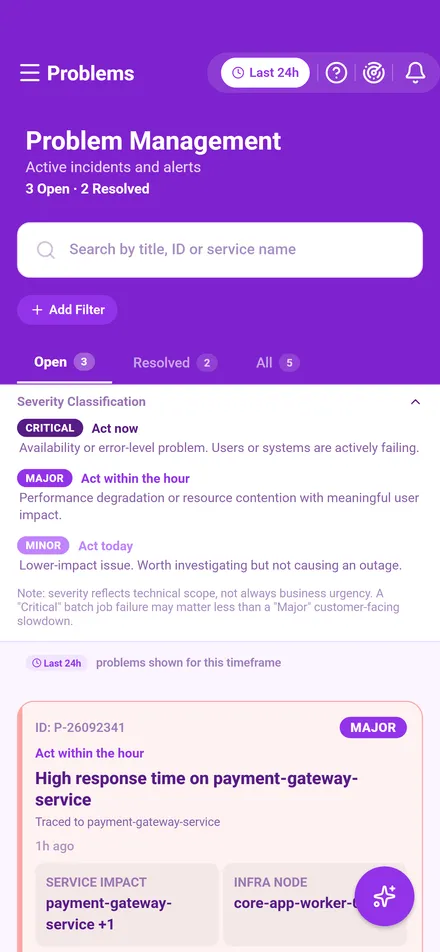
Applications
Apdex satisfaction scores, sessions, active users and where each monitored application's users connect from.
Read about Applications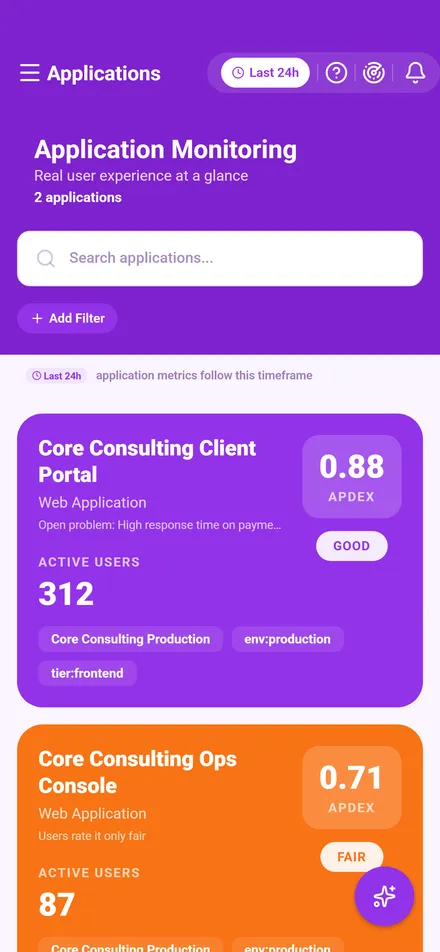
Services
Response time, failure rate and throughput for each service, each with its own health grade.
Read about Services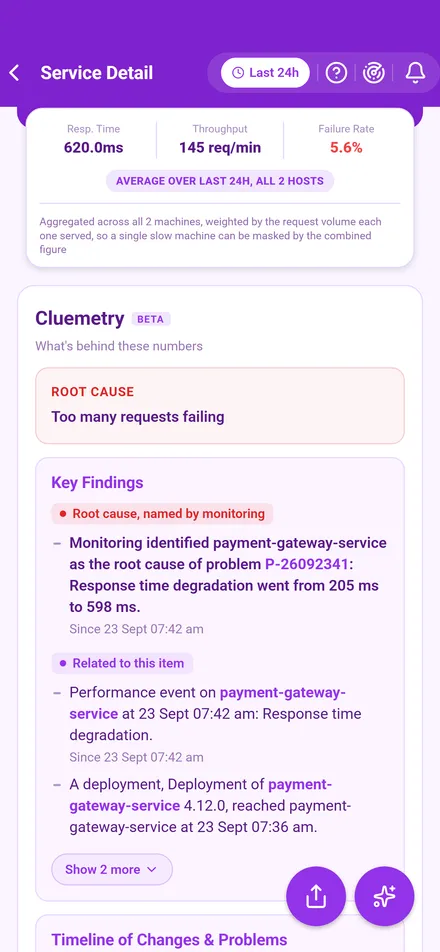
Infrastructure
CPU, memory and disk use for each host, each with its own health status.
Read about Infrastructure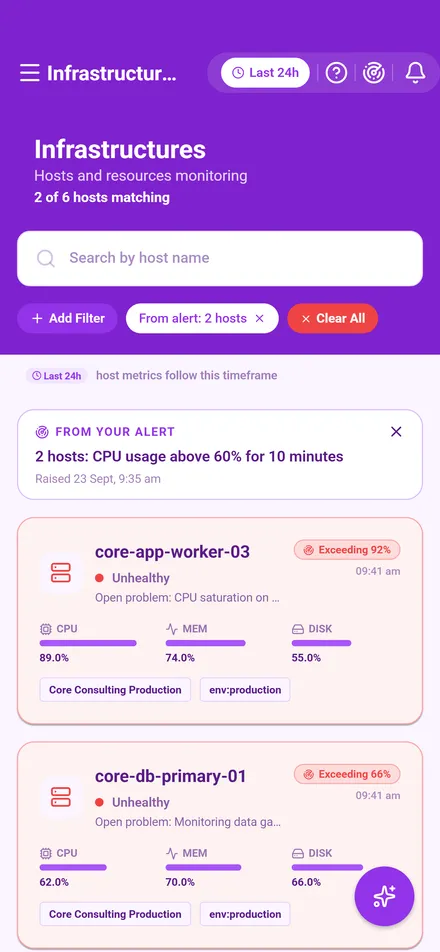
Understand what you see
CLEOBETA
Ask about what is on screen in plain words, and CLEO answers from the metrics, problems and items in front of you, looking up more from the same monitoring data.
Read about CLEO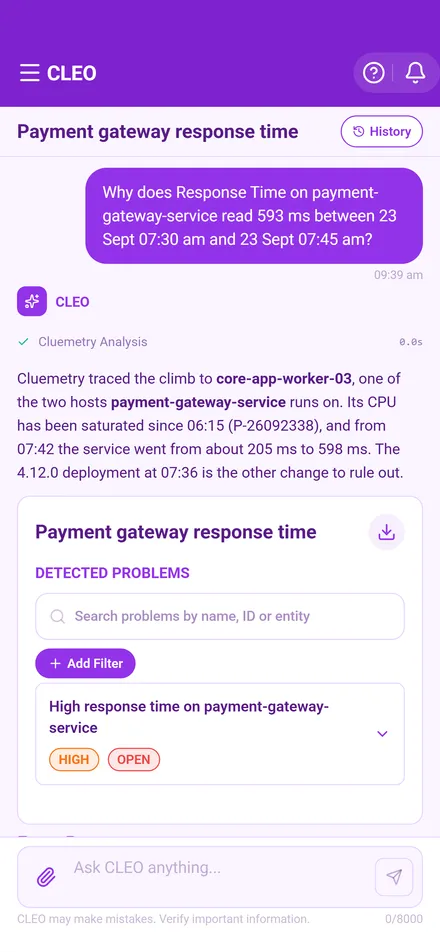
CluemetryBETA
An explanation behind every chart reading, problem, service, host and application, worked out from the monitoring data itself, with the facts behind each finding and how firm the link is.
Read about Cluemetry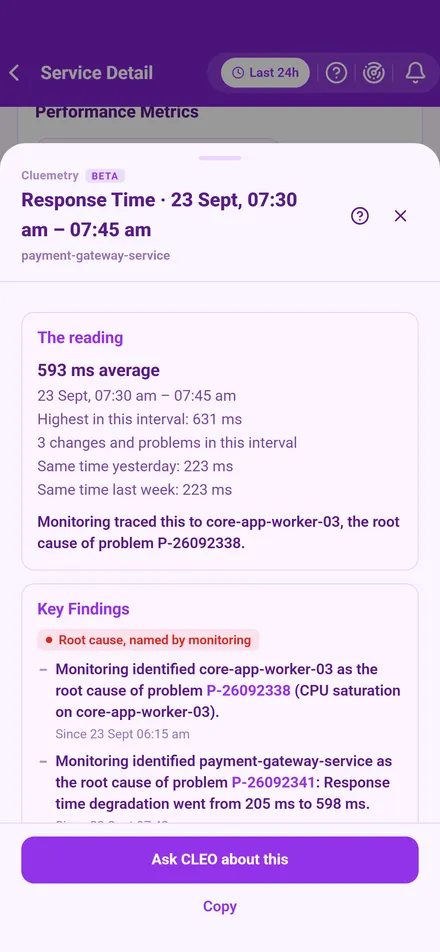
Relationship mapBETA
What each problem, service, host and application connects to, drawn as a map you can trace, search and read the numbers on.
Read about Relationship map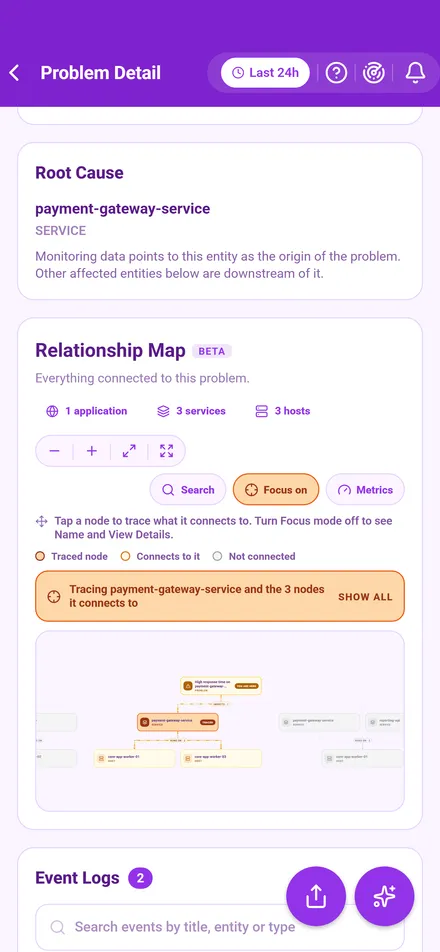
Act on it
Notifications
The bell opens one inbox for your alerts, the notices the service writes and messages from your admins, and Curade Mini emails the notices too, with pushes to your phone.
Read about Notifications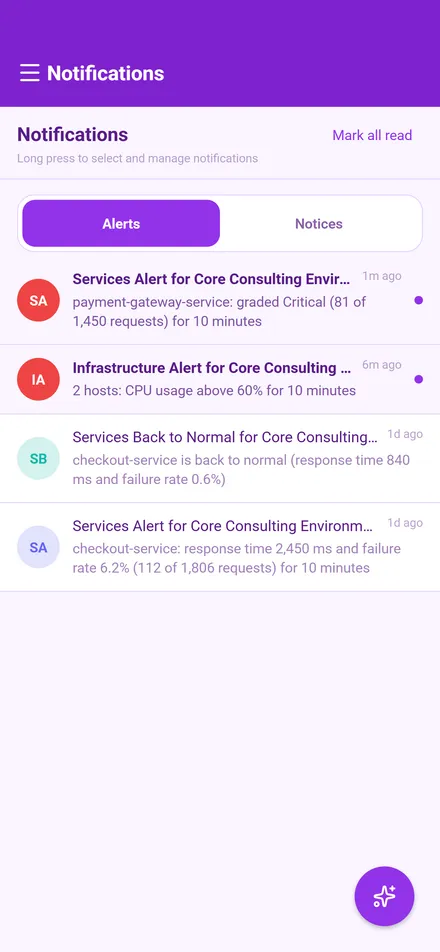
Share and export
Share a CLEO chat with your environment, or a problem, an application, a service or a host as text or as an image, and export CLEO's answers and your alerts as files.
Read about Share and export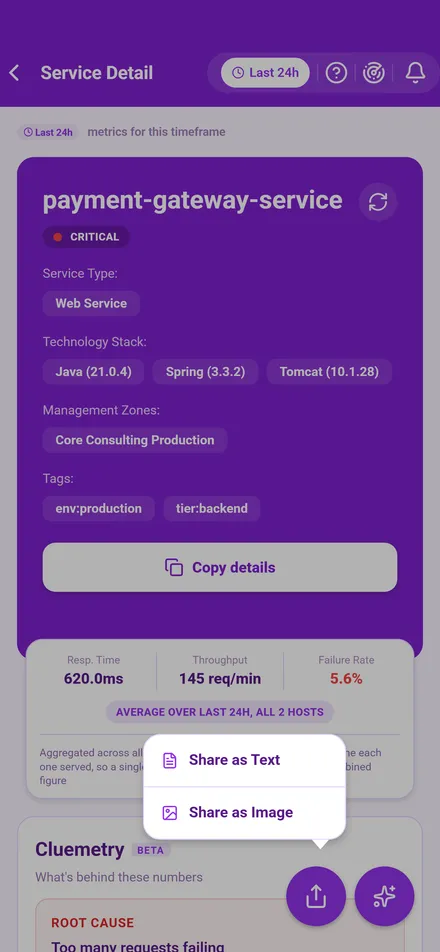
Monitoring alerts
Ready made alerts or your own, each read as a plain sentence, checked on a schedule so they arrive with the app closed, and tapping one opens the page with its items marked.
Read about Monitoring alerts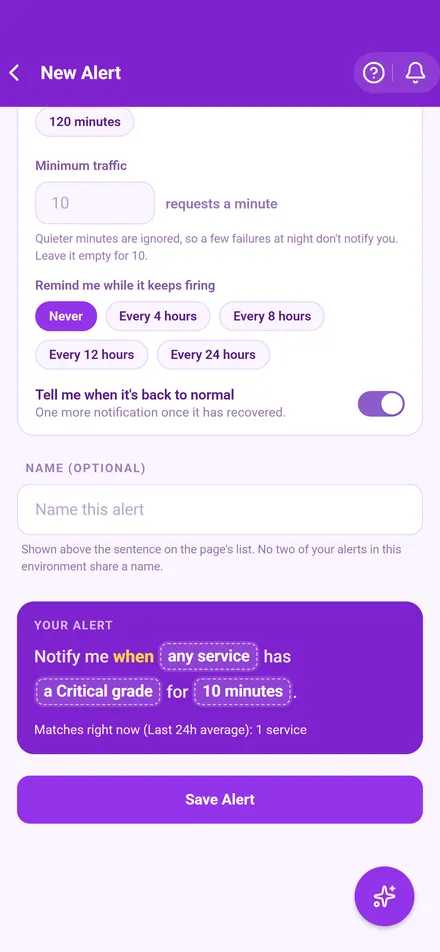
Look after your environments
Console
For admins, manage the accounts and environments you look after, with each environment's connection, CLEO and members, and send notifications to the people in them. The console shows in blue because each role has its own colour in the app, blue for admins and purple for engineers.
Read about Console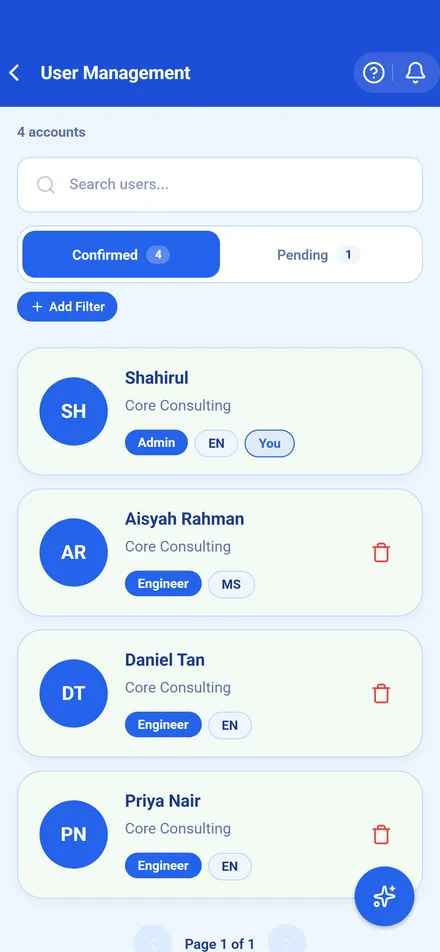
Talk to us about Curade Mini
Tell us about your environment and we will show you how Curade Mini fits. Existing clients can ask for support the same way.